Creating music used to mean hours in a DAW, expensive plugins, and constant copyright anxiety. In 2026, a strong AI Music Generator can turn a simple idea into a usable track in minutes—whether you’re making YouTube background music, a podcast intro, a brand jingle, or a full vocal song.
If you want to start with a workflow built for real-world creation + delivery, try AI Music Generator first.
How We Ranked These Platforms
To avoid purely subjective “this sounds better” opinions, we used six practical criteria that reflect real creator needs: quality stability, controllability, export readiness, library workflow, commercial clarity, and speed. These factors cover the full path from generating a track to editing and publishing it.
Quality & consistency: Are the melodies/structure complete, and are results stable?
Control: Does it support both quick generation and advanced customization (lyrics/structure/style)?
Export & delivery: Does it offer WAV/MP3 export, plus post-production tools like stems and vocal removal?
Asset management: Can you save, search, and reuse past tracks and their settings?
Commercial clarity: Are licensing terms clearly explained (and do they differ by plan)?
Efficiency: Is it easy for beginners, and does it support batch creation via concurrency/queueing?
Official pages emphasize commercial-friendly / royalty-free positioning (always follow current terms).
Suno
fast full songs with vocals
very fast “prompt → song” results
Plan rules vary—check the official boundaries for free vs paid.
Mureka
clearer royalty-free messaging
strong “royalty-free / commercial rights” framing
Still verify the latest license text for your exact use case.
Udio
exploration and style experimentation
popular for creative experimentation
Rules can change—always review current policy/terms.
SOUNDRAW
creators who want licensed background music
“music library + AI generation/editing” workflow
License is subscription-based; follow their license page.
ToMusic.ai (Top Pick): A Deliverable-First AI Music Workspace
Many tools feel great for “one-off” generation, but creators run into problems when it’s time to deliver: you need better exports, repeatable settings, and a way to manage versions across projects.
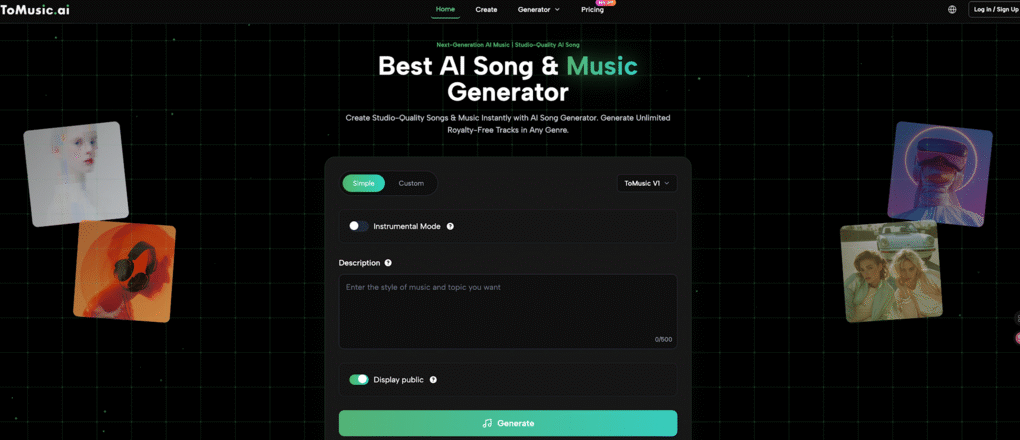
ToMusic AI Music Generator stands out because it’s built like a production workflow, not just a generator—combining multi-model generation, simple vs advanced control, export tools, and a cloud-based library to store and reuse your best results.
Multi-model advantage: V1–V4 for different creative needs
ToMusic provides V1, V2, V3, and V4 models and describes different strengths across versions (for example, vocal expression and richer musical texture). This makes it easier to A/B test outputs and pick the model that fits your channel or brand sound.
Custom mode to lock structure and lyrics when you need consistency across a series.
Why this matters: for creators, repeatability is everything. If you’re building a content series, you want a sound you can recreate—not just “a good result once.”
Highlight: This turns your best outputs into a reusable asset library—ideal for high-volume creators.
Story Song: turn a story into a song
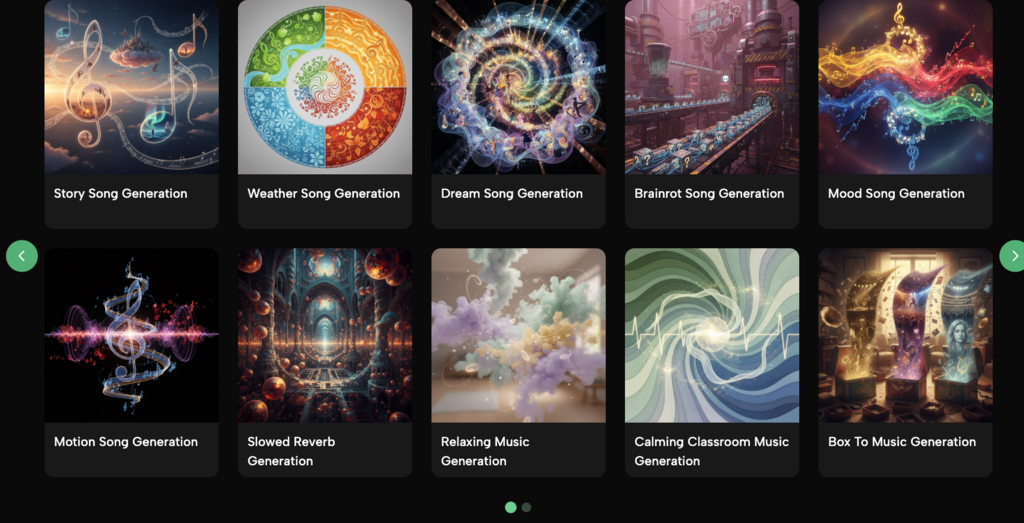
ToMusic’s Story Song generator supports structured inputs (title, style, genre/moods/voices/tempos, lyrics up to 3000 characters) and outlines a clear flow: write → generate → preview → download. It also positions itself as capable of expanding a theme into full lyrics when you don’t have them ready.
Pricing snapshot
From the pricing page:
Free: shown with a one-time free quota (8 songs) and V1-only positioning.
Starter: shows $6.99/month (billed yearly) with V1–V4 access and broader export/tools.
Unlimited: shows $59/month (billed yearly) with unlimited generation and bonus credits for tools.
Unused credits “roll over” is also stated.
Tip: Present pricing after you’ve shown the workflow value, not before—conversion is usually higher.
Common Questions About ToMusic?
Is AI-generated music safe to use commercially?
It depends on the platform and your plan. Always follow the latest official license/terms and the policies of where you publish (YouTube, Spotify, etc.). If you’re monetizing, prioritize tools with clear licensing language and export-ready workflows.
Is ToMusic good for beginners?
Yes. The Simple mode is designed for quick results, and Custom is there when you want more control (lyrics, structure, and repeatability).
Does ToMusic support pro exports like WAV and stems?
The pricing pages list WAV/MP3, plus Extract Stems and Remove Vocal tools (plan features vary—follow the current page/terms).
Can I build a reusable music catalog inside ToMusic?
Yes. The Music Library is positioned as cloud-based storage with saved metadata and easy reuse.
What’s Story Song best for?
Story Song is great for creator-friendly formats: personalized songs, brand stories, character themes, and narrative content—especially if you want a “theme → lyrics → song” workflow.
Conclusion
Choosing the best AI Music Generator in 2026 isn’t only about “which one sounds best once.” It’s about which platform helps you repeatedly produce deliverable-ready music: controllable structure, export formats you can actually use, and a system to save and reuse what works.
That’s where ToMusic.ai has a clear edge. With multiple models (V1–V4), Simple + Custom creation paths, WAV/MP3 exports, stems and vocal removal, and a Music Library built for reuse, it fits the real-world workflow of creators who publish often and need consistent results—not just random hits.