
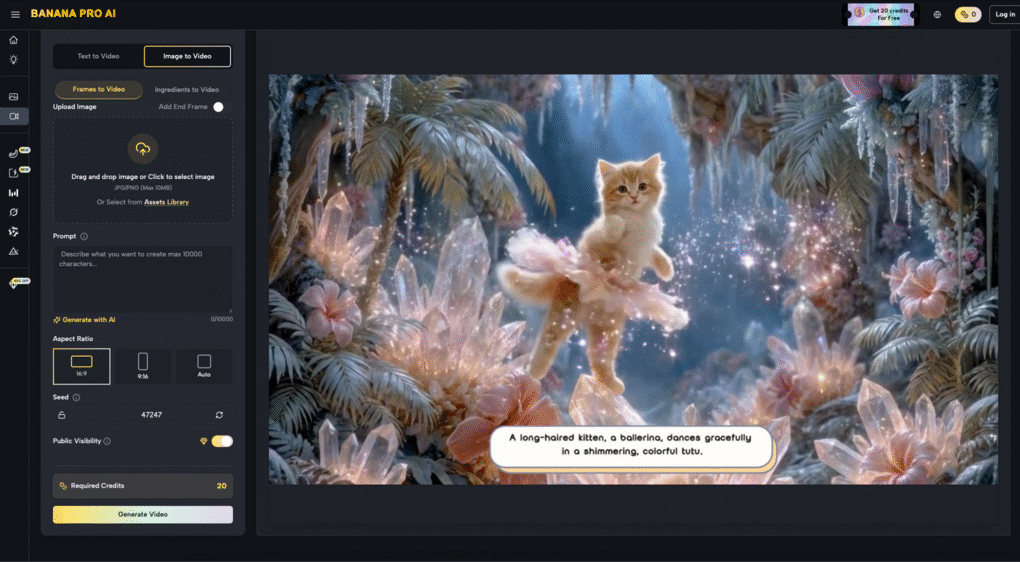
The shift from static generative imagery to controlled video has fundamentally changed the role of the creative operator. We are no longer just “prompting” and hoping for a usable result; we are increasingly acting as digital cinematographers. Within the current ecosystem of tools, the ability to shape camera movement, dictate subject motion, and maintain a consistent pace is what separates a generic AI clip from a production-ready asset. Nano Banana Pro has emerged as a focal point for this workflow, offering a bridge between the initial conceptual image and the final temporal output.
For content teams, the challenge isn’t just generating motion—it is controlling it. Without specific constraints, generative models often default to a “dreamy” or “drifting” aesthetic that lacks the intentionality required for professional storytelling. By understanding the interplay between the AI Image Editor and the motion parameters of Nano Banana Pro, operators can achieve a level of coherence that was previously reserved for high-end manual animation.
The Foundation of Pre-Motion Composition
Every high-quality AI video starts with a high-quality base image. In an operator-led workflow, the composition of this starting frame dictates how the motion will propagate through time. If the base image is cluttered or lacks clear depth of field, the motion engine often struggles to distinguish between foreground movement and background parallax.
This is where the AI Image Editor becomes indispensable. Before a single frame of video is rendered, an operator must use the editor to refine the subject’s silhouette and establish a clean environment. If you are aiming for a specific camera movement—say, a slow lateral pan—the base image needs to have enough lateral detail to “feed” the model’s understanding of space. Using the editor to expand an image or adjust lighting ensures that when the Nano Banana engine begins to interpret the scene, it doesn’t encounter “dead zones” where pixels simply smear or dissolve into noise.
The Role of Compositional Geometry
When preparing a file for Nano Banana Pro, you have to think in three dimensions. An image with a strong leading line or a clear vanishing point provides a much more stable “map” for generative camera movement. If you start with a flat, two-dimensional composition, the model may struggle to simulate depth, resulting in a “cardboard cutout” effect where the background moves at the same speed as the foreground. Using an AI Image Editor to introduce atmospheric perspective—such as slight fog or graduated lighting—gives the motion engine the cues it needs to calculate depth accurately.
Directing Camera Movement in Nano Banana Pro
Motion control in a generative context is largely about guiding the “attention” of the model. In Nano Banana Pro, operators have access to several primary vectors: pan, tilt, zoom, and rotate. However, applying these without a strategy usually leads to chaotic results.
Managing the Parallax Effect
One of the hallmarks of professional cinematography is parallax—the way objects at different distances move at different speeds relative to the camera. In a standard Banana Pro workflow, achieving realistic parallax requires a delicate balance of motion strength. If the motion intensity is set too high, the background often warps or “breathes.”
To mitigate this, operators should focus on subtle movements. A 2% or 3% zoom-in often provides a more professional feel than a dramatic 20% zoom that breaks the structural integrity of the subject. It is important to note a current limitation: Nano Banana Pro, like most current generative architectures, occasionally struggles with “background bleeding,” where a high-velocity foreground subject accidentally pulls parts of the background with it. Recognizing this early allows an operator to lower the motion intensity and rely on more conservative camera paths.
Directing Subject Motion
While camera movement is relatively easy to define, subject motion—the internal movement of characters or objects—is more complex. This is where the specific training of the Nano Banana model shines. By providing a base image created in Banana AI that features a person in a dynamic pose, the model can more easily infer the intended path of motion.
If you prompt for a “walking” motion but the base image shows a person standing perfectly still with both feet together, the model has to “invent” too much geometry, which leads to flickering or limb duplication. An experienced operator will use the AI Image Editor to adjust the pose to a mid-stride position before sending it to the video generator. This reduces the “cognitive load” on the AI, leading to a much smoother transition between frames.
Pacing and Temporal Coherence
Pacing in generative video is often overlooked. We tend to focus on what is moving rather than how fast it is moving. In Nano Banana Pro, the relationship between the frame rate and the motion strength dictates the “weight” of the objects on screen.
The Problem of “Generative Drift”
A common issue in long-form generative clips is what we call “generative drift,” where the subject gradually transforms into something else over the course of five or ten seconds. To maintain coherence, operators must often work in short bursts. Instead of trying to generate a single 10-second clip with complex movement, it is often more effective to generate three 2-second clips with high-precision motion control and stitch them together in post-production.
This modular approach allows for better control over the pacing. You can have a slow, establishing pan in the first clip, followed by a quicker subject-focused movement in the second. By keeping the clips short, you minimize the window for the Banana Pro engine to lose its “memory” of the original subject’s features.
Practical Operator Workflows for Content Teams
For content teams integrated into professional pipelines, the workflow usually follows a specific sequence:
- Conceptualization: Using Banana AI to generate a series of aesthetic directions.
- Refinement: Selecting the best frame and bringing it into the AI Image Editor to clean up artifacts, fix anatomical errors, and adjust the crop for the intended aspect ratio (9:16 for social, 16:9 for cinematic).
- Motion Mapping: Bringing the refined image into Nano Banana Pro. Here, the operator decides if the scene needs global motion (camera) or local motion (subject).
- Iteration: Generative video is rarely perfect on the first “seed.” Operators might run the same settings four or five times to find the one where the motion doesn’t distort the subject’s face or the environment’s textures.
The Uncertainty of Complex Interactions
It is vital to reset expectations when it comes to complex physical interactions. For example, if your scene involves two people shaking hands or a character picking up an object, current models—including Nano Banana Pro—often face significant challenges. The “contact point” between two objects is where coherence usually breaks. In these instances, an operator’s skill lies in choosing a camera angle that obscures the contact point or using a motion path that emphasizes the feeling of the action rather than the literal physics of it. This is a current limitation of the technology that requires creative workarounds rather than brute-force prompting.
Maintaining Visual Fidelity Across the Banana AI Ecosystem
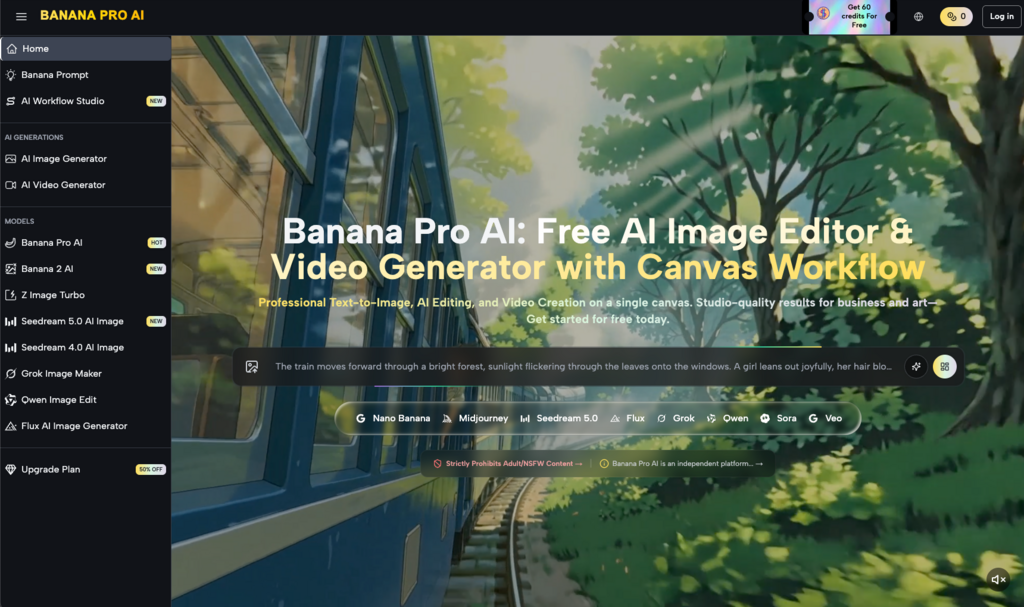
One of the strengths of the current toolset is the visual consistency between the different models. Whether you are using a standard model or the more specialized Nano Banana Pro, the color science and texture rendering remain remarkably stable. This allows teams to mix and match assets without the final video looking like a collage of different styles.
When working with Nano Banana, it is helpful to keep your prompts descriptive but not overly restrictive. Over-prompting can sometimes “lock” the model, preventing it from finding the most fluid motion path. Instead, focus on describing the lighting and the atmosphere, letting the motion parameters (pan, tilt, etc.) do the heavy lifting for the movement itself.
The Importance of Post-Generation Evaluation
The work of an operator doesn’t end when the “generate” button is pressed. High-performing content teams treat the output of Nano Banana Pro as “raw footage.” This footage might require color grading, sharpening, or even frame-interpolation to reach a broadcast standard.
Evaluating Motion Artifacts
When reviewing a clip, look specifically at the edges of the frame. Generative models often have a “vignette” of instability where pixels aren’t sure how to behave as they enter or exit the field of view. If you notice heavy distortion at the edges, a simple solution is to generate at a higher resolution and then crop in slightly during the editing phase. This removes the “noise” of the boundary and leaves you with the stable core of the generated motion.
Another reality check involves the “pacing” of hair or fabric. Sometimes the subject’s body moves at a realistic speed, but their hair or clothing moves in a hyper-fast, unnatural way. This usually indicates that the motion strength is set too high for the complexity of the textures involved. Reducing the strength and re-generating is often faster than trying to fix it in post.
Conclusion: The Future of Controlled Generative Media
The transition from static images to dynamic video represents a steep learning curve for many creators. However, by mastering the tools within the Banana Pro AI suite, operators are gaining the ability to tell more nuanced stories. The key is to view the AI Image Editor and Nano Banana Pro not as “magic buttons,” but as sophisticated instruments that require a steady hand and a clear vision.
As the underlying models like Banana Pro continue to evolve, the degree of control will only increase. We are moving toward a future where every pixel’s velocity can be mapped and managed. Until then, the most successful creators will be those who understand the current limitations, embrace the iterative nature of the workflow, and use their editorial judgment to shape raw generative output into a cohesive visual narrative. Control, after all, is not about forcing the AI to do exactly what you want—it’s about knowing how to guide it toward the best possible version of your idea.