
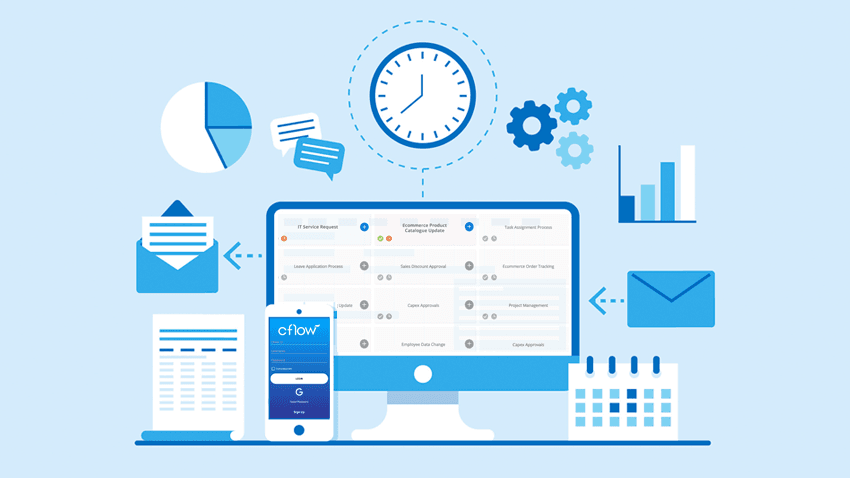
In today’s competitive business landscape, organizations are constantly looking for ways to operate faster and smarter. Manual processes, email-based approvals, and paper-driven tasks slow down operations and increase errors. This is where workflow automation becomes essential for improving efficiency and consistency across business functions. By using workflow automation supported by a powerful platform like Cflow, businesses can streamline processes, reduce manual effort, and achieve better operational performance.
Workflow automation is the practice of using digital tools to design, execute, and manage business processes with minimal human intervention. Instead of relying on manual steps, automated workflows ensure that tasks move smoothly from one stage to the next based on predefined rules. Cflow is a no-code workflow automation platform that helps organizations easily automate everyday business processes. With the right automation strategy, companies can save time, reduce costs, and improve overall efficiency.
Understanding Workflow Automation
Workflow automation focuses on replacing repetitive, manual tasks with automated processes. These tasks may include approvals, data entry, notifications, and document routing. Automation ensures that tasks are completed on time and according to defined rules, without constant follow-ups.
Traditional workflows often rely on emails and spreadsheets, making it difficult to track progress and identify delays. Automated workflows provide real-time visibility into task status, responsibilities, and timelines. This transparency improves accountability and enables faster decision-making.
Common Challenges in Manual Workflows
Many organizations struggle with inefficiencies caused by manual workflows. Approval delays are common when requests are lost in inboxes. Data errors occur due to repeated manual entry. Employees spend valuable time on administrative work instead of focusing on strategic tasks.
Lack of process standardization is another challenge. Different teams may follow different procedures for the same task, leading to inconsistencies and compliance risks. Workflow automation addresses these issues by standardizing processes and ensuring consistency across the organization.
How Cflow Improves Business Efficiency
Cflow helps businesses automate workflows without requiring technical expertise. Its visual workflow builder allows users to design processes by simply dragging and dropping steps. This makes automation accessible to both technical and non-technical users.
With Cflow, businesses can automate approvals, manage documents, and track tasks in real time. Automated notifications ensure that tasks move forward without delays. Built-in analytics provide insights into workflow performance, helping managers identify bottlenecks and improve efficiency.
Cflow also integrates with other business systems, ensuring smooth data flow across departments. This reduces duplication of work and improves overall process efficiency.
Key Benefits of Workflow Automation with Cflow
- Time Savings
Automation eliminates repetitive manual tasks, allowing employees to focus on higher-value work. - Reduced Errors
Automated workflows reduce the risk of human error by ensuring consistent data handling and process execution. - Improved Visibility
Real-time tracking and dashboards provide clear visibility into process status and performance. - Better Collaboration
Teams can collaborate more effectively when workflows are centralized and transparent. - Scalability
As businesses grow, Cflow allows workflows to scale easily without adding complexity or manual effort.
Use Cases Across Business Functions
Workflow automation with Cflow can be applied across various departments. In finance, invoice approvals and expense claims can be automated to reduce processing time. In HR, onboarding, leave requests, and performance reviews become faster and more consistent.
Operations teams can automate procurement, vendor management, and internal requests. Sales teams benefit from automated lead approvals and contract workflows. These use cases show how workflow automation improves efficiency across the entire organization.
Best Practices for Successful Automation
To achieve the best results, organizations should start by identifying processes that are repetitive, time-consuming, or error-prone. Clear documentation of existing processes helps design effective automated workflows.
Involving stakeholders early ensures user adoption and alignment with business goals. Regular monitoring and optimization help keep workflows efficient as business needs evolve. Choosing a flexible platform like Cflow simplifies this journey and supports continuous improvement.
Conclusion
Workflow automation is a key driver of business efficiency in today’s digital world. By automating repetitive tasks, improving visibility, and standardizing processes, organizations can operate more effectively and competitively. Using Cflow for workflow automation enables businesses to streamline operations, reduce costs, and empower employees.
Adopting workflow automation with Cflow is not just about technology, but about creating a smarter way of working. Businesses that embrace automation are better positioned to adapt to change, improve performance, and achieve long-term success.