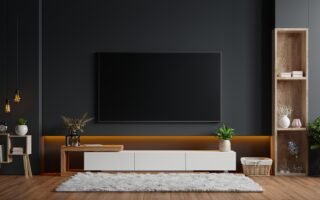
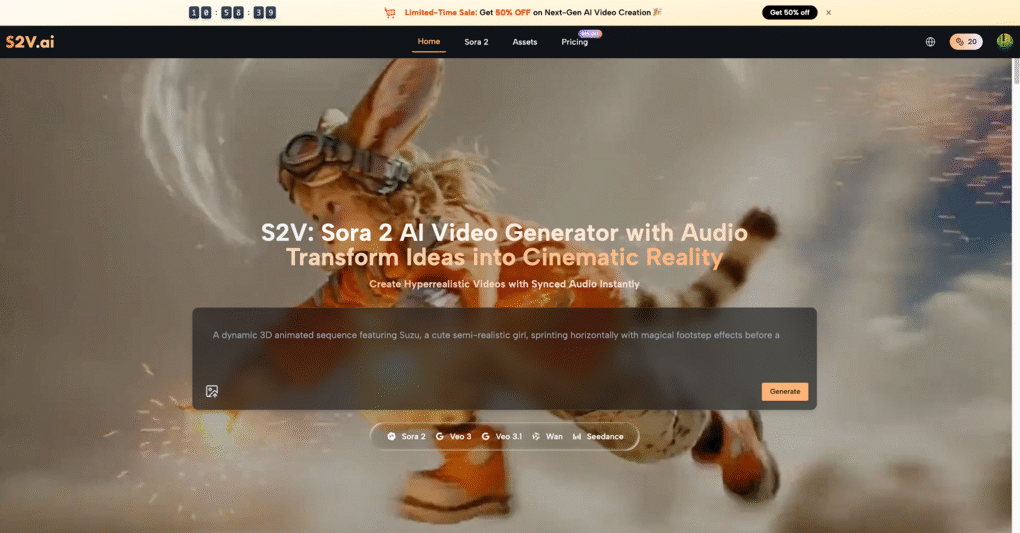
Before any paint is opened or furniture is ordered, it helps to see how everything will come together in one coherent scene. By combining OpenAI’s Sora 2 models with the professional tools of S2V, anyone can turn a vague room idea into a vivid video walkthrough before a single item is purchased. Instead of relying on imagination alone, homeowners, renters, and interior designers can watch a short cinematic clip of a future room, refine it, and then move forward with real-world decisions that feel much less risky.
I. Why Visualizing a Room First Changes Everything
- From Moodboard to Moving Picture
Interior projects often begin with moodboards and static images that cannot show how a space actually feels once someone walks through it. With S2V, those inspirations can be translated into short cinematic clips powered by Sora 2 that show camera movements, lighting changes, and how furniture works together in motion. A moving preview makes it easier to sense whether a layout feels cramped, unbalanced, or welcoming.
- Try Styles Before You Commit
Soft minimalism, bold industrial, warm Japandi, or eclectic vintage can all be explored in separate Sora 2 AI videos without touching a wall or buying a single lamp. By describing the desired mood, color palette, and materials in natural language, users can generate multiple interpretations of the same room on S2V and compare them like concept reels. This helps avoid costly mistakes such as buying furniture that looks impressive in a catalog but feels out of place once everything is in the room.
- Shareable Concepts for Clients and Families
For designers, contractors, and creative teams, sending a short Sora 2 AI Video often communicates more clearly than a sketch or flat render. A cinematic clip generated through S2V can show movement, atmosphere, and scale in a way that text and static reference images rarely achieve. Because the videos are created from prompts, new versions can be generated quickly as feedback comes in from clients or family members.
II. What Sora 2 on S2V Brings to Room Ideas
- Text-to-Video: Describe Your Dream Room in Words
OpenAI Sora 2 models on S2V turn detailed written descriptions into short cinematic videos, typically around 10–15 seconds for a single scene. A room idea such as “sunlit Scandinavian living room with oak flooring, cream sofa, black metal coffee table, soft morning light” can be interpreted into a moving shot of that space. Camera angles, atmosphere, and composition respond to the richness of the description, so thoughtful prompts tend to result in more convincing room previews.
- Image-to-Video: Animate Floor Plans and Reference Photos
When a user already has a strong visual starting point—such as a floor plan, a real photo, or a favorite inspiration image—the image-to-video feature on S2V can bring it to life. By uploading a static image and adding guidance in the prompt, Sora 2 AI can generate a cinematic pass that pans through the space, zooms in on decor details, or simulates walking from one corner to another. This is especially helpful for visualizing renovations or redecoration of an existing room that has already been photographed.
- Audio-Ready Cinematic Clips
Sora 2 AI Video generation on S2V supports native audio, creating synchronized soundscapes together with visuals. For room visualization, that might mean subtle ambient sounds, city noise through an open window, or gentle music that reinforces the overall mood. These details make it easier for clients, partners, or family members to emotionally connect with the concept of a future room rather than seeing it as a distant abstract plan.
III. Step-by-Step: Visualizing a Room on S2V with Sora 2
- Clarify the Goal of the Room Preview
Before generating anything, it helps to decide what the video should answer: focus on layout, overall style, lighting, or a combination of these. For example, one person may want to know if a large sectional will dominate the living area, while another is more concerned with how a darker wall color affects the sense of space. A clear goal leads to sharper prompts and more useful Sora 2 AI Video results.
- Gather Visual Inspiration for Reference
Collecting a small set of references—such as saved photos, magazine clippings, or screenshots from design accounts—can guide the prompt-writing process. Even when only text is used, thinking through the favorite materials, tones, and furniture silhouettes gives Sora 2 more context. For users who already have a key image, S2V can use that image as input for image-to-video generation, combining precise visual cues with AI-driven motion.
- Write a Detailed, Room-Focused Prompt
Prompt quality plays a major role in how realistic and helpful room videos become. Effective prompts specify the type of room (living room, bedroom, kitchen), key furniture pieces, materials (oak, marble, linen), color palette, lighting conditions (morning sun, warm evening lamps), and the overall mood. Mentioning camera behavior such as “slow pan from doorway to window” or “smooth move toward the reading corner” helps Sora 2 AI capture the intended experience of moving through the room.
- Generate, Review, and Refine the Video
Once a video has been generated, it can be reviewed for mismatched details such as furniture scale, window placement, or lighting mood. Small prompt tweaks—switching “dark walnut” to “light oak,” or changing “minimal decor” to “cozy with layered textiles”—often produce a noticeably different Sora 2 AI Video on the next run. This iterative approach turns S2V into a creative studio where room ideas can be polished before any actual decorating, ordering, or construction work begins.
IV. Practical Prompt Examples for Room Visualization
- Cozy Living Room Concept
A well-structured prompt might say: “Wide shot of a modern living room, light oak floor, cream L-shaped sofa, round black metal coffee table, large rug in muted earth tones, built-in bookshelves, afternoon light streaming through sheer curtains, slow camera pan from left to right, calm and welcoming mood.” Sora 2 turns this kind of description into a Sora 2 AI Video that highlights furniture arrangement and overall warmth. After seeing the result, it becomes easy to adjust elements such as rug color, sofa shape, or shelf styling and generate alternative versions.
- Minimalist Bedroom Retreat
For a bedroom, a prompt might specify: “Serene bedroom with a low-profile bed, soft linen bedding in beige and white, light wood nightstands, warm bedside lamps, large window with city skyline at dusk, subtle camera push-in toward the bed, quiet and restful atmosphere.” Generated through S2V, this Sora 2 AI clip helps judge whether the space feels soothing or too empty and suggests where to introduce artwork or texture. Several variations can then be created to test different headboard designs, curtain styles, or accent colors.
- Functional Home Office Setup
A more productivity-focused prompt could say: “Bright home office, clean white walls, large wooden desk facing a window, ergonomic chair, dual monitors, plants on shelves, warm natural morning light, smooth camera move from doorway to desk, feeling of focus and creativity.” Sora 2 AI Video previews created this way on S2V can reveal practical issues such as cluttered sightlines, awkward furniture positioning, or insufficient storage. This makes it easier to refine layout decisions before investing in office furniture and equipment.
V. Turning Cinematic Clips into Real-World Design Decisions
- Use Videos to Judge Flow and Proportions
Sora 2 and S2V excel at suggesting atmosphere, layout, and general furniture types, rather than replicating specific catalog products. The most effective way to use the results is to judge whether the proportions of seating, tables, and storage make sense relative to each other and to the room size. Once a preferred configuration is found in video form, a shopping list can be built with real measurements that mirror the impression captured in the Sora 2 AI Video.
- Generate Multiple Clips for the Same Room
Relying on a single video can miss important questions, so many decorators and designers prefer to generate several clips focused on different aspects. One Sora 2 video might focus on daylight ambiance, another on evening lighting with lamps and candles, and a third on an alternative furniture layout. Together, these short visual studies create a well-rounded understanding of how the room will feel across different times and uses.
- Align Stakeholders with Cinematic Previews
When a renovation or redesign involves several decision makers, disagreement often comes from trying to imagine the same space in different ways. Showing a Sora 2 AI Video created on S2V gives everyone a shared visual reference to react to. This preview becomes a starting point for discussions about colors, materials, and layouts, replacing abstract debates with concrete, easy-to-understand examples.
VI. Why S2V Is a Strong Home for Sora 2 Room Visualizations
- Professional-Grade Video OutputReady to Share
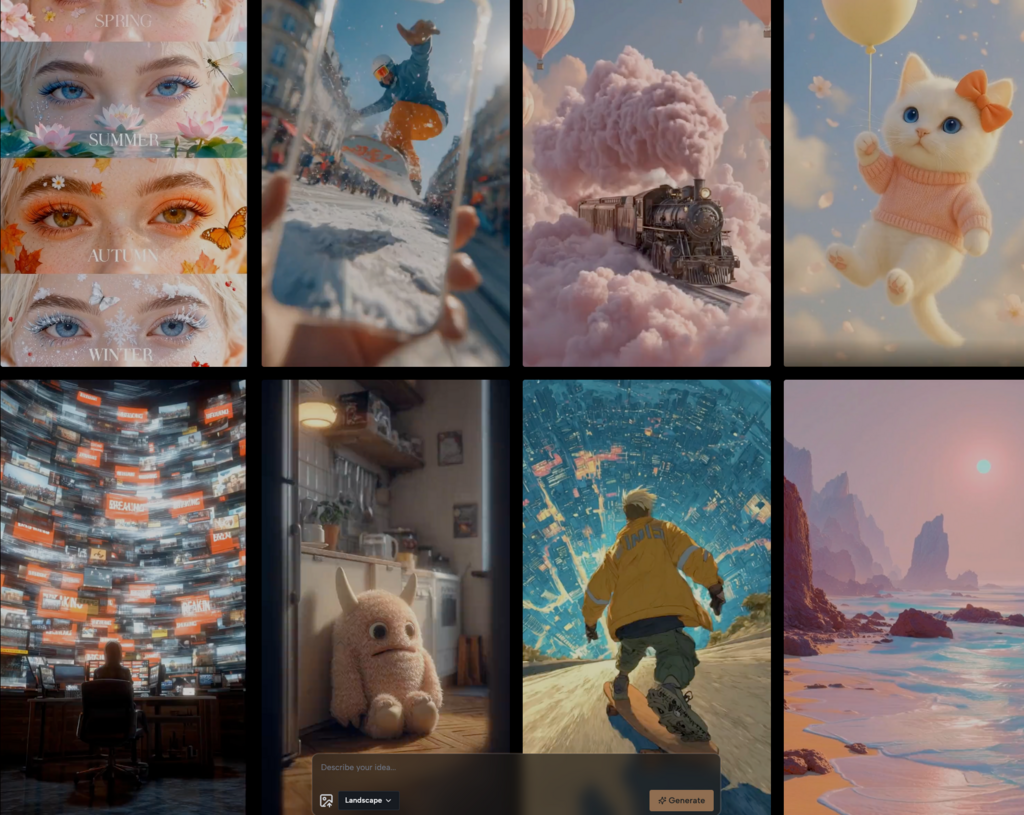
S2V is built as a professional Sora 2 AI video generator, offering cinema-style results that are ready for social posts, client decks, and creative portfolios. Room previews produced here carry the same polished look as product ads or cinematic shorts, which makes them particularly persuasive in presentations. The generation process focuses on high-quality visuals and smooth motion, turning simple room descriptions into memorable visual stories.
- Multiple Sora 2 Options in One Place
Rather than offering only one fixed setup, S2V brings together several Sora 2 configurations, including standard use for quick scenes and more advanced options for multi-scene storytelling. Straightforward room previews may rely on the standard Sora 2 AI setup, while multi-area home tours benefit from enhanced control. This versatility means the same tool can support both a small apartment refresh and a larger, multi-room interior project.
- Native Audio and Realistic Motion for Immersive Results
The mix of native audio, realistic motion, and physically aware scene interpretation allows Sora 2 AI Video outputs on S2V to feel natural and believable. Details such as fabric movement, accurate shadows, and reflections in glass contribute to a convincing impression of the space. These qualities help users trust the emotional signal the video gives, which is crucial when making long-term design decisions that affect everyday comfort.
Conclusion: Walk Through Your Next Room Before It Exists
Room makeovers no longer need to rely on pure guesswork or static images. By combining Sora 2, Sora 2 AI, and Sora 2 AI Video capabilities with S2V, anyone can preview the feeling of a future room in motion before investing time and money. Whether the goal is a cozy bedroom, a productive home office, or a living room ready for hosting, cinematic previews help every choice feel informed, confident, and aligned with how the space should actually feel to live in.